

Download Abobo’s Big Adventure – free retro tribute game, classic NES‑style platformer
Overview
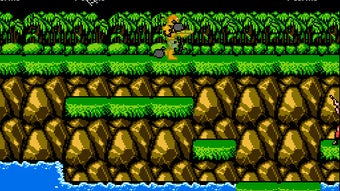
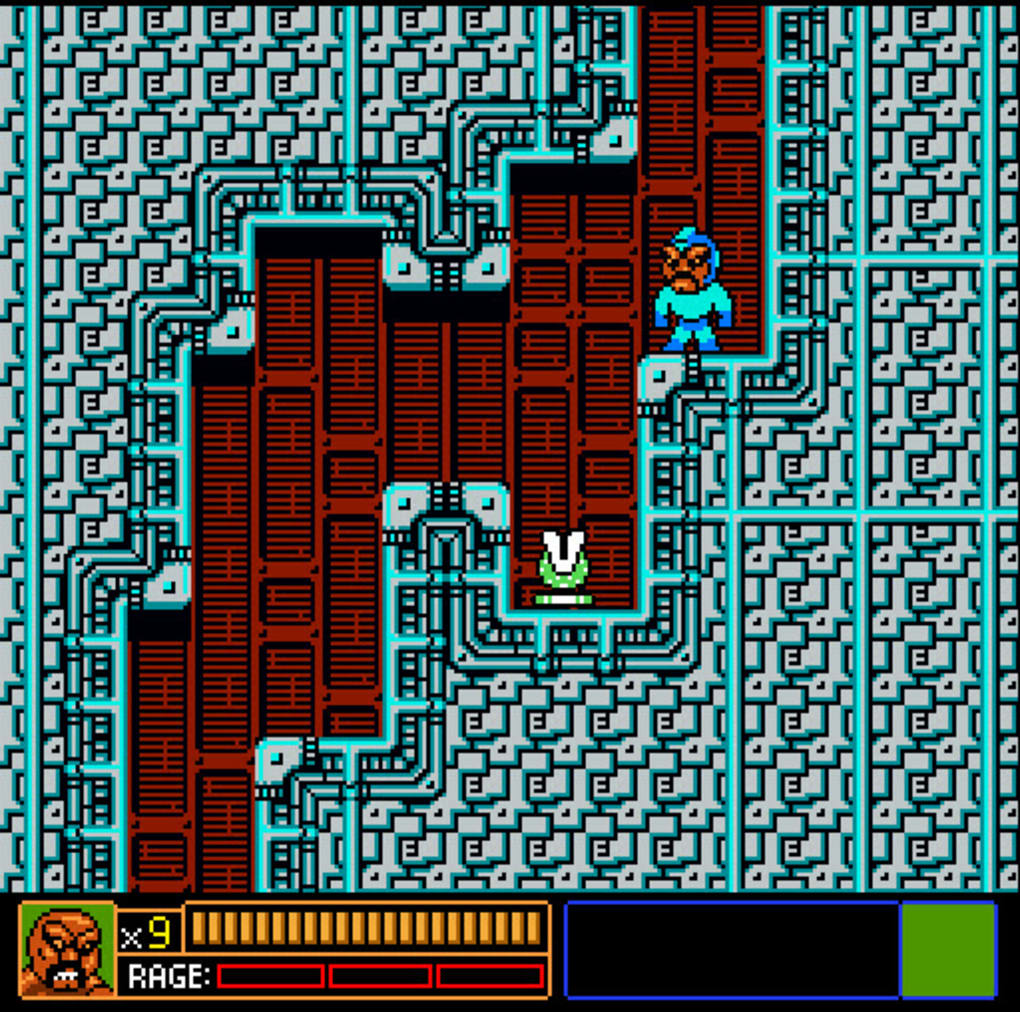
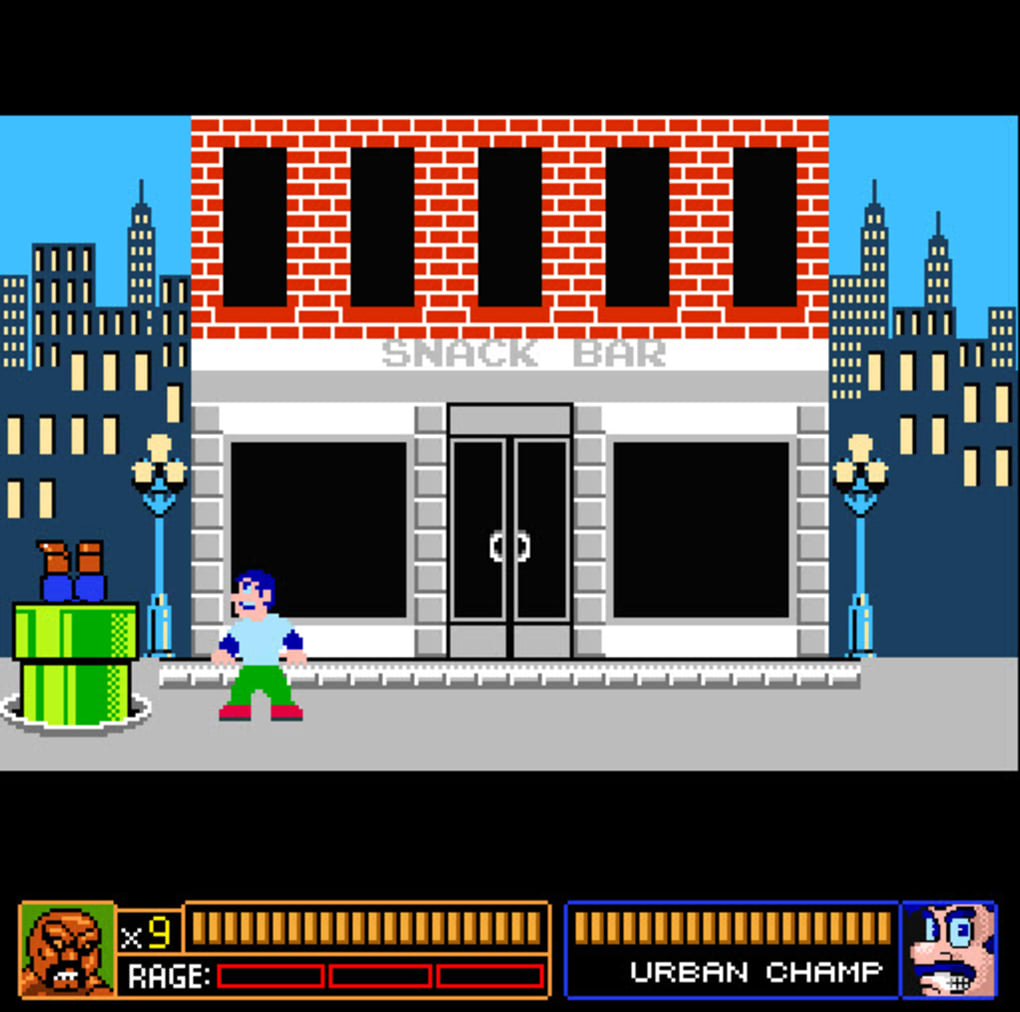
Abobo’s Big Adventure is a lovingly crafted, completely free homage to the golden era of 8‑bit gaming. Inspired by the iconic Nintendo Entertainment System (NES), the title puts the hulking Double Dragon boss Abobo in the driver’s seat of his own pixel‑perfect quest. When Abobo’s son is kidnapped by the very thugs he once fought, the game launches into a nostalgic mash‑up of platforming, beat‑‘em‑up, and light‑RPG elements that echo classics such as Super Mario Brothers, Double Dragon, Mega Man, and The Legend of Zelda.
While the visuals and sound effects deliberately imitate the original hardware, modern touches—like special attacks, achievement tracking, and optional mini‑games—keep the experience fresh for today’s players. The design philosophy is clear: celebrate the simplicity of 80s arcade action while delivering a stable, secure, and easily downloadable package for modern operating systems. Whether you’re a retro enthusiast looking to relive the era of blocky sprites or a newcomer curious about the roots of platformers, Abobo’s Big Adventure offers a free, low‑barrier entry point that feels both familiar and surprisingly polished.
Key Features
- Authentic 8‑bit graphics and chiptune soundtrack that replicate NES aesthetics.
- Multiple gameplay modes: classic side‑scroll platforming, beat‑em‑up combat, and puzzle‑style mini‑games.
- Special attacks and power‑up system that evolve Abobo’s abilities as you progress.
- Achievement system with over 30 unlockable trophies referencing iconic retro titles.
- Fully customizable controls for keyboard, gamepad, and touch devices.
- Local high‑score leaderboard to compare your run against friends.
- Free updates that introduce new levels, secret bosses, and seasonal events.
- Support for Windows, macOS, Android, and iOS, ensuring a seamless experience across devices.
- Zero‑ads, no‑paywalls, and a secure download from the official site.
- Extensive accessibility options, including color‑blind mode and adjustable difficulty.
The feature set reflects a deep respect for the original titles while integrating conveniences expected from modern software. Each level is meticulously designed to echo the pacing of classic NES stages—short, challenging, and rewarding. The inclusion of an achievement system encourages replayability, as players chase hidden references to games like Castlevania and Metroid.
Moreover, the cross‑platform support means you can start a run on a desktop and finish it on a mobile device without losing progress, thanks to cloud‑save integration. The developers have also prioritized security; the installer is signed, and the game runs sandboxed to avoid any unwanted system access. All these elements combine to make Abobo’s Big Adventure a standout free title in the crowded retro‑gaming niche.
Installation & Usage Guide
Getting started with Abobo’s Big Adventure is straightforward, whether you’re on a Windows PC, a Mac, or a mobile device. Follow these steps for a smooth installation:
- Visit the official download page. The URL is secured with HTTPS and provides direct links for each operating system.
- Choose your platform. Click the Windows installer (.exe), macOS bundle (.dmg), Android APK, or iOS App Store link.
- Run the installer. On Windows, double‑click the .exe file and follow the on‑screen prompts. macOS users should drag the app icon into the Applications folder.
- Grant permissions. Mobile users will need to allow installations from unknown sources for the Android APK, or simply tap “Get” on iOS to download from the App Store.
- Launch the game. After installation, open the application. The first launch may prompt you to create a free account for cloud‑save syncing.
- Configure controls. Access the Settings menu to map keyboard keys, gamepad buttons, or touch gestures to your liking. Accessibility options are available here as well.
- Start your adventure. Choose “New Game” to begin the story or “Continue” if you have a saved file. The tutorial level gently introduces Abobo’s basic moves, special attacks, and how to collect power‑ups.
Gameplay is intuitive: use the directional inputs to navigate platforms, the attack button for punches and kicks, and the special‑move key to unleash powerful combos after filling the meter. The UI displays health, special‑meter, and collected items at the top of the screen. Throughout the journey, you’ll encounter hidden rooms that reward exploration with extra lives or unique items. The game also supports pause‑and‑resume, allowing you to pick up right where you left off—even after switching devices. Frequent updates are delivered automatically, adding new stages, bug fixes, and balance tweaks, ensuring that the experience remains fresh long after the initial download.
Conclusion, Compatibility, Pros & Cons, and FAQ
Abobo’s Big Adventure runs on Windows 10/11 (64‑bit), macOS 10.15 or later, Android 8.0+, and iOS 13+. The developers have optimized the codebase for both low‑end hardware and modern high‑resolution displays, guaranteeing smooth 60 fps performance on most devices.
Pros
- Authentic retro feel with modern polish.
- Completely free, no hidden microtransactions.
- Cross‑platform cloud saves keep progress synced.
- Rich achievement system that rewards exploration.
- Regular updates add fresh content and improve stability.
Cons
- Pixel art may feel too simplistic for players seeking high‑definition graphics.
- Limited multiplayer options; gameplay is strictly single‑player.
- Occasional minor bugs on older Android devices.
- Soundtrack, while nostalgic, lacks variety over long sessions.
- Difficulty spikes in later stages may frustrate casual gamers.
Frequently Asked Questions
Is Abobo’s Big Adventure truly free?
Yes, the game is completely free to download and play. There are no hidden fees, in‑app purchases, or subscription requirements.
Can I play the game on a console?
Officially, Abobo’s Big Adventure is released for Windows, macOS, Android, and iOS. Some users have reported success using console emulators, but the developers do not provide native console support.
Do I need an internet connection to play?
An internet connection is only required for the initial download, account creation (for cloud saves), and to receive update patches. Once installed, the game can be played offline.
How does the achievement system work?
Achievements unlock as you complete specific tasks—such as defeating a secret boss, finishing a level without taking damage, or finding hidden collectibles. They are displayed in the in‑game menu and synced to your online profile.
Is my data safe when I use cloud saves?
Yes. All cloud‑save data is encrypted using TLS during transmission and stored on secure servers managed by the developers. No personal data beyond a unique user ID is collected.
Overall, Abobo’s Big Adventure stands out as a heartfelt tribute that successfully bridges the gap between nostalgic 8‑bit charm and contemporary gaming expectations. Its free‑to‑play model, cross‑platform availability, and steady update schedule make it a safe, secure choice for anyone looking to relive the golden age of Nintendo without compromising on modern convenience. Ready to join Abobo on his quest? Download the game now and start your pixel‑perfect adventure today!



.png)



